
Until a few months ago, most of my AI experiments had been quite basic – help with lesson planning, creating teaching resources, instant infographics, stuff like that. So I decided to set myself a challenge to help me learn more about using AI:
Can I use AI-assisted workflows to quickly create a resource site for IGCSE ESL teachers?
Why this challenge?
There aren’t many free resource sites out there for IGCSE ESL teachers. I figured that this experiment might end up helping some other teachers out. I didn’t have to create a really polished site or anything, just a quick go-to for ideas, for homework tasks, etc.
What did I stand to gain from it?
My AI experiments like this are mainly just for upskilling. I figured that I might put Google AdSense on the resource site down the line, or a ‘Buy me a coffee’ type thing if teachers found it useful, but it was more just to learn more about harnessing AI (if that’s the right word?).
What exactly was the focus of this experiment?
Basically, can I get AI to do the following things:
- make a website for me without tooo much effort (on my behalf)?
- help create branding and assets for a site?
- batch create resources to an agreed template and to fair quality?
- do boring stuff that I don’t really understand, like SEO?
- become kinda self-sufficient, updating the site itself?
If you’re a seasoned AI user you’re probably thinking ‘well, yes it can obviously do all that’. However, I’m more of an AI novice – I wanted to learn by doing I guess, so off I went.
Before you ramble on – what’s the site?
It’s www.igcseesl.com
How did I get started?
I chose to use ChatGPT Plus. I fed it some background info like free-to-access IGCSE ESL documentation, as well as loads of my own resources (stuff like the resources I shared during this interview). I probably should have thought about creating a sitemap at that point, but I was more interested in getting some resources ready for teachers as it felt more immediate and useful.
ChatGPT helped me outline 23 different topics that are typically covered in IGCSE ESL. These are things like ‘sport and leisure’, ‘digital life’, ‘culture and tradition’, etc. We kept that list in mind throughout the resource creation stages.
My basic process for resource creation was this:
- I’d tell ChatGPT the structure I wanted for a resource. ChatGPT would create a sample (version 1). The sample would relate to one of our random 23 topics.
- We thrashed it out for an hour or so to make sure the flow of the resource was as I wanted it (or there abouts). Then we locked that in as ‘a template’.
- I moved from ChatGPT to Codex for the next step. The golden rule seemed to be ‘ChatGPT for drafting, Codex for batching’. Codex would use the template to then batch produce five/six more resources covering a range of our 23 topics.
- I’d check the batch for consistency while Codex would create the next batch. I’[d ask for minor tweaks as needed. We’d keep going until all 23 topics were covered. I usually came to trust it enough by about batch 3 for each resource.
So, it’s basically working together with AI on creating a template, then batch across loads of topics using the template as an anchor. Not exactly rocket science. BUT…
Style/design/brand
I then realised that I just had a load of word docs which didn’t really look like a branded resource. ChatGPT and I thrashed out a few designs for a logos, headers, colour schemes, things like that. Nothing fancy, I just wanted something functional. When I was vaguely happy, we communicated that info with Codex and told it to add the ‘house style’ to all resources moving forward.
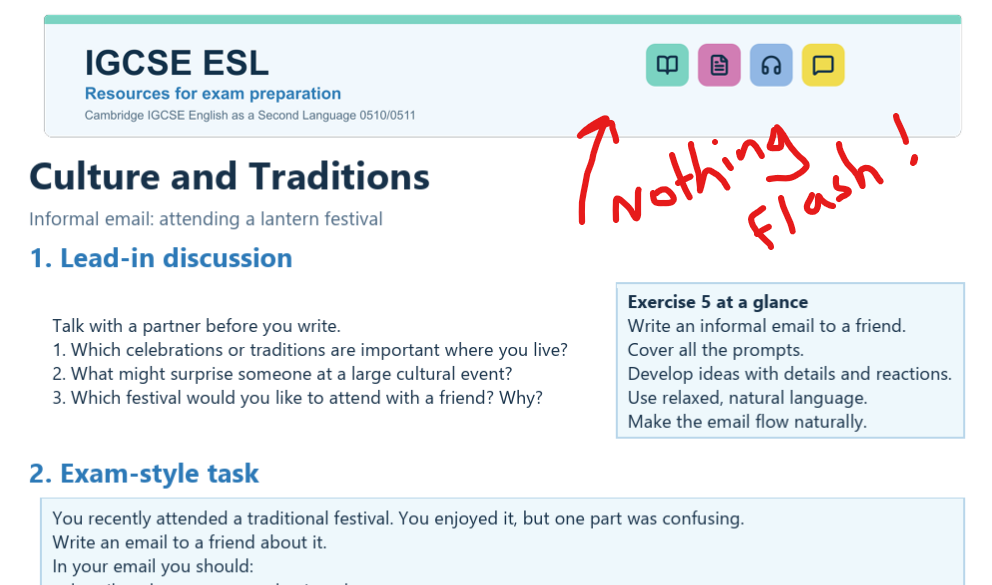
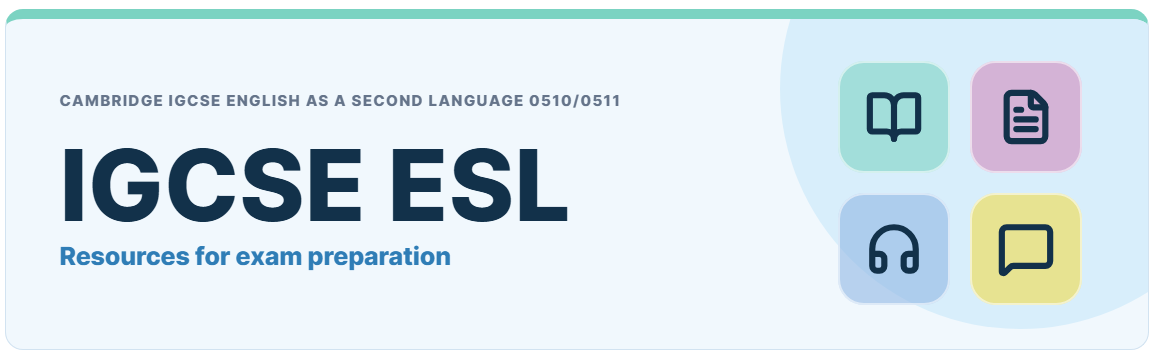
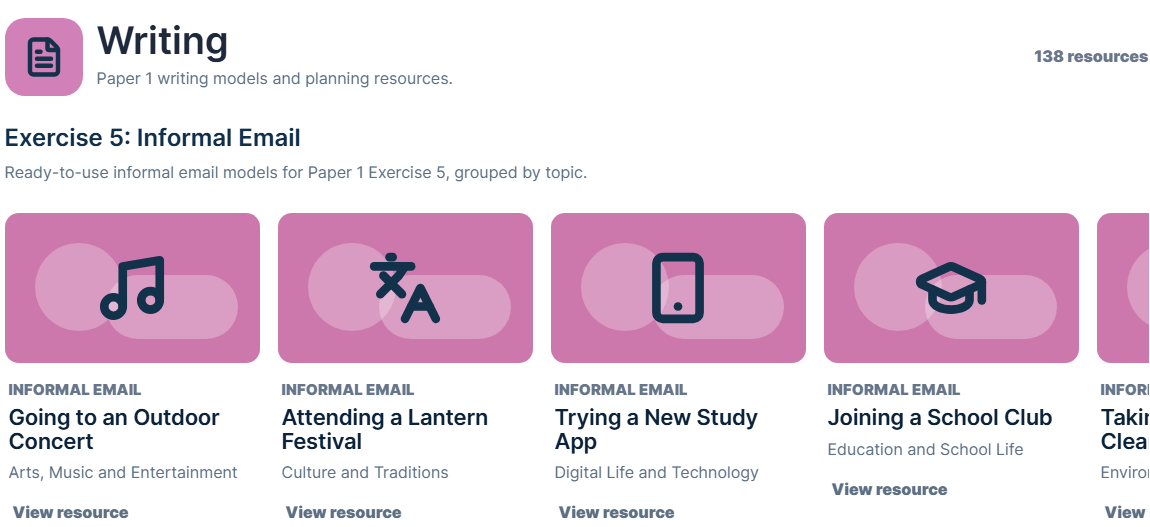
Part of the branding was to create thumbnail/icon things for the 23 different topics. That was the more annoying part as visuals aren’t ChatGPT’s forte, but (top tip) asking it to use or refer to some kind of stock vector bank seemed to do the trick.
Okay, so that’s enough of the basics on how the resources were created. Let’s go a bit deeper into Codex and the website creation…
Codex for the win
Codex is crazy useful. You can give Codex permission to organise, produce, edit, delete (etc) files on your device, which makes workflows very easy. For example, when it was coming up with design ideas, it would be creating new folders for new versions, archiving stuff, organising things in ‘upload ready’ type folders and so on. Very easy to work with.
And even easier to build a website with. You can give Codex admin rights to your website development platform, and it basically does everything for you. I didn’t know this before, so it was like a revelation. For example, I’d be like:
‘I want to keep things really simple. I want a homepage that is basically just a massive resource bank itself, with carousels where you can click to view any resource. Oh, and a dropdown thing where you can show the resources for a particular topic’
And about 10 minutes later it was like ‘Okay, done’. And after a while it would just get used our processes. I could be ‘I’ve just uploaded 23 resources for ‘writing reports’, one per topic. Can you do your usual?’ And it would create a landing page for each resource with previews and download buttons, add the resource to a carousel with the correct thumbnail assigned, add it to a designated resource page in a fixed grid format, etc. Nuts. I’d have spent so long doing that, but Codex really accelerates things.
NOTE: It has its faffs. I’d recommend using the Codex in-app browser rather than any Google extensions, because it creates these weird group thingies in Google Chrome and really makes you feel it’s alive and doing scary things.
Speaking of Codex being alive. You know how AI tends to mimic the user’s interaction style? Yeah, Codex really gets that. It started calling glitches that it encountered in wordpress things like ‘a right faff’, and would ask me if I was ‘ready for another Batchy McBatchface?’. Vibecoding on AI is a rather solitary process, so these personal touches do actually go far. Really!
How far have I got with this project?
Well, the idea was to create at least one *basic* resource for each task/exercise in the exam, as well as practical resources for vocab/grammar development. I’d say I’m about 60% there. The basics for Reading and Speaking are done, Writing is about 60% there, Vocabulary and Grammar have something, but I haven’t started the listening section yet. The reason for this is because I need to subscribe to a separate AI audio creation tool (probably ElevenLabs) to create practice audio. To limit costs, I should be ready to make the most of the monthly subscription for that by having lots of good audio transcripts ready to record. But… I don’t have that yet. Working on it! But… I’ve got a bit busy lately. Coming soon… ish.
What have I learnt?
Well – I can communicate much more clearly with AI now, and I have a better understanding of how I can use it to save time/effort in the long run, rather than just solve immediate problems. This whole project has, so far, occupied 50 hours of my free time. To be honest, that doesn’t feel like much given what I’ve learnt.
I’ve also been vibecoding an app using AI (another post on that coming soon). These projects together are great, because I’m thinking that if I ever come up with an idea for a genuinely useful product, one which may involve apps and sites, now I’d feel more confident and knowledgeable about using tech to support me with the idea.
How is the site actually doing, just out of interest?
Well, I think the launch date was around 15th June. It’s done okay given that its a summer holiday. Google has indexed half the pages, and it’s had 1500 impressions so far, 350 unique visitors or something like that. Pretty good start. I’m not so interested in the stats, or adding ad revenue just yet – I’m still building different sections and trying stuff out.
Need help?
If you are after advice about starting your own project like this, just get in touch. Happy to talk ideas, teething problems, annoyances, etc!
Categories: General, reflections, teacher development


Leave a Reply